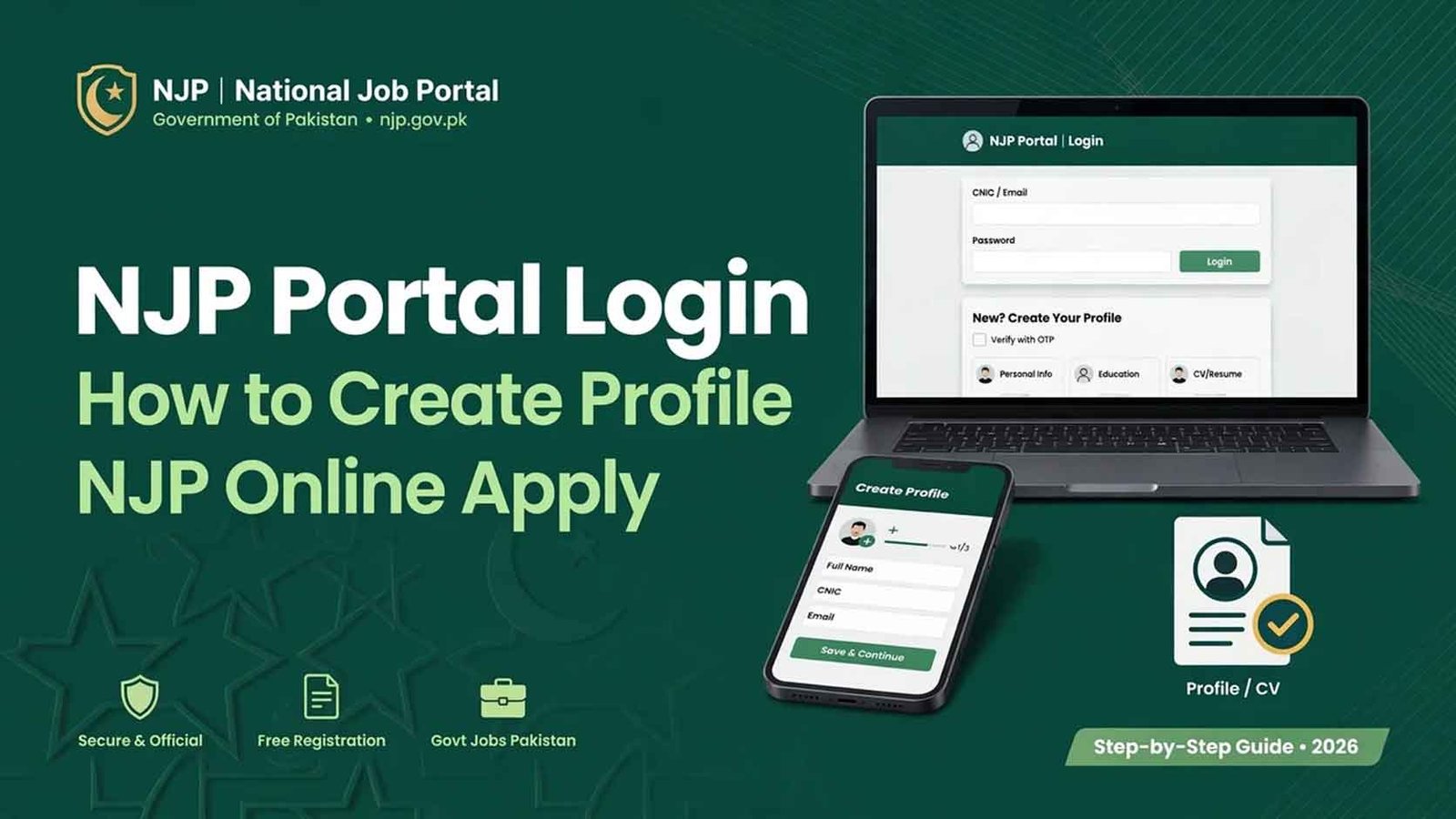
To use the National Job Portal, create a free account at njp.gov.pk with your CNIC and email, log in and build your profile from the CV Manager. Forgot your password? Use Forgot Password on the login page — a reset link is sent to your registered email. Already registered long ago? Do not create a new account — one CNIC can have only one NJP account; simply reset the password and use your old account. Once your profile is complete, open any job and click Apply Now. Everything on NJP is free of cost.
NJP Portal Login – How to Create Profile NJP Online Apply
The National Job Portal (njp.gov.pk) is the federal government’s official online job portal, managed by the National Information Technology Board (NITB). Federal ministries, divisions and departments post their vacancies here — the portal carries 4,900+ jobs from 260+ departments with 2.3 million+ registered users. Remember: NJP covers federal government jobs only; provincial jobs are posted on their own portals (for example jobs.punjab.gov.pk for Punjab).
Government Jobs In Pakistan Today Online Apply
Whether you are a new candidate or returning after years, the route is the same: one free account on njp.gov.pk, one complete profile, and every federal job is a few clicks away. New users should sign up and build the CV to 100%; old users should reset the password and refresh the same account instead of registering again. Keep your details exactly as they appear on your CNIC and documents, and track every application from your dashboard.
Read Also — Jobs
 Headmaster & Headmistress Jobs 2026 Punjab School Education Department | 1,629 PPSC School Head Jobs in Punjab
- Punjab Schools Headmistress and Headmaster jobs 2026
- NJP Balochistan Jobs 2026 Apply Online | njp.gov.pk Jobs Online Apply
- Join Pakistan Navy SSC Course 2027 Batch 12th Online Registration Open
- Join Pak Navy Sailor Batch A-2027 Registration Online Apply





Part 1 – Create Your NJP Account (Sign Up)
- Open njp.gov.pk in your browser.
- Click Sign Up at the top of the page.
- Enter your CNIC number, full name, email address and mobile number — always use your own CNIC and an email you actively use, because the verification message and job alerts are sent there.
- Create a password and submit the form.
- Open your email inbox and click the verification link sent by NJP (check the Spam folder if it does not arrive within a few minutes).
- Your account is created — you can now log in.
Part 2 – NJP Portal Login
- Go to njp.gov.pk and click Login.
- Enter your registered email/CNIC and password.
- Click Login — your Dashboard opens, where you can build your profile, view jobs and track your applications.
Part 3 – NJP Forgot Password? Reset It in 2 Minutes
- On the Login page, click Forgot Password.
- Enter the email address registered with your NJP account.
- NJP sends a password reset link to that email — open it (check Spam/Junk if you do not see it).
- Click the link and set a new password (use a strong one you have not used before).
- Go back to the Login page and sign in with the new password.
Important notes:
- The reset works only through your registered email — if you type any other email, no link will arrive.
- The reset link expires after some time; if it stops working, simply repeat the Forgot Password process and use the newest link.
- Never share your password or the reset link with anyone — NJP staff never ask for your password.
Part 4 – NJP Old Account: Already Registered? Do Not Sign Up Again
Many candidates created an NJP account months or years ago and forgot it. If the portal says “CNIC already registered” while you sign up, it means your old account still exists — and that is good news, because your profile and past applications are saved in it.
Recover your old account like this:
- Do not try different spellings or a family member’s CNIC — a second account on your own CNIC is not allowed, and duplicate/fake information can get your applications rejected.
- Go to Login → Forgot Password and enter the email you used at that time (try your old email addresses one by one if you are not sure which one it was).
- Reset the password from the email link and log in — your old profile will be there.
- Open the CV Manager and update everything that has changed: new mobile number, new address, latest degrees or experience added since then.
- Lost access to the old email too? Then the reset link cannot reach you. In this case use the Contact Us section on njp.gov.pk and request help from the NITB team with your CNIC details — never pay any agent or shop for “account recovery”; it is a free official process.
Part 5 – How to Create Your Profile NJP (Build CV)
Your profile is your online CV — departments see exactly this when you apply, so fill every section carefully.
- After login, open CV Manager and click Build CV / Create Profile.
- Fill each section one by one and press Save after each:
| Profile Section | What to Fill |
|---|---|
| Personal Information | Full name, father name, CNIC, date of birth, gender, religion, marital status |
| Contact & Domicile | Mobile, email, present/permanent address, domicile district & province |
| Education | Every degree from Matric onwards — board/university, passing year, marks/CGPA, division (start from Matric, then higher degrees in order) |
| Experience | Job title, organization, duration — skip this section if you are a fresh candidate |
| Skills & Languages | Computer/IT skills, languages you can read, write and speak |
| Photo & Documents | Recent passport-size photo, CNIC copy and degree documents in the format the portal accepts |
- Check the profile completion percentage on your dashboard — complete it to 100% before applying anywhere. An incomplete profile is the most common reason candidates cannot submit an application.
Golden rule: every detail must match your CNIC and original documents exactly — name spelling, date of birth and marks. If your application is shortlisted, the department verifies these against your documents, and any mismatch can cancel your candidature.
Part 6 – NJP Online Apply After Profile Creation
- Click Jobs on the portal and search by department name, post title or BPS.
- Open the job advertisement and read the eligibility (qualification, age limit, domicile quota) carefully.
- Click Apply Now, confirm your CV/profile and Submit.
- Your application appears in Applied Jobs in your dashboard — keep checking this section for test and interview updates.
Common Problems And Solutions
| Problem | Solution |
|---|---|
| Verification email not received | Wait a few minutes and check Spam/Junk; if still missing, use the resend option on the portal |
| “CNIC already registered” | You have an old account — recover it with Forgot Password (Part 4), do not sign up again |
| Password reset link not received | Make sure you entered the registered email; check Spam; request a fresh link |
| Reset link expired | Repeat Forgot Password and use the newest link immediately |
| Old email completely lost | Use the Contact Us section on njp.gov.pk for official help — never pay an agent |
| Cannot click Apply / application not submitting | Your profile is incomplete — complete all CV sections to 100% first |
| Wrong detail entered in profile | Edit it from CV Manager before applying; submitted applications cannot be changed |
| Login fails again and again | Clear the browser cache or try another browser; make sure Caps Lock is off while typing the password |
FAQs
Is NJP registration free?
Yes. Creating an account, building your profile, resetting your password and applying for jobs on njp.gov.pk is completely free. Never pay any agent or website for anything related to NJP.
Can I create a second account if I forget my old one?
No. One CNIC means one account. Recover the old account with Forgot Password — your saved profile and application history stay in it.
Can I apply without creating a profile?
No. A complete profile/CV is compulsory — the Apply button works only when your profile sections are filled.
Can I edit my profile later?
Yes, you can update your CV from the CV Manager at any time, but the changes apply to future applications — applications already submitted keep the old details.
Which jobs are posted on NJP?
Federal government jobs — ministries, divisions and attached departments across Pakistan, against all provincial quotas including Punjab, Sindh, KPK, Balochistan, GB and AJK.
I have no experience. Can I still create a profile?
Yes. Leave the Experience section empty if you are fresh — for most junior posts, your education and personal sections are what matter.






1 thought on “NJP Portal Login – How to Create Profile NJP Online Apply”