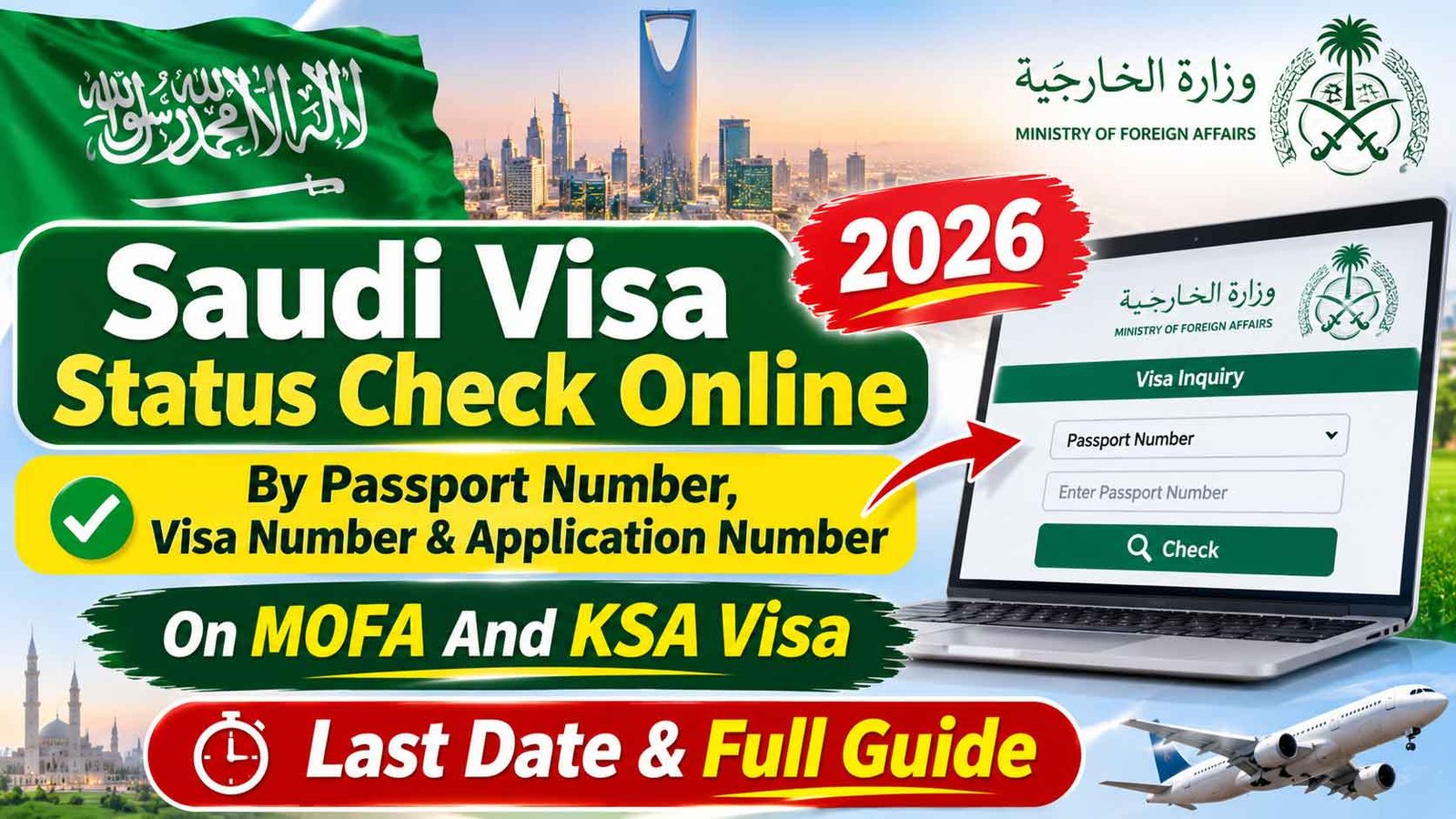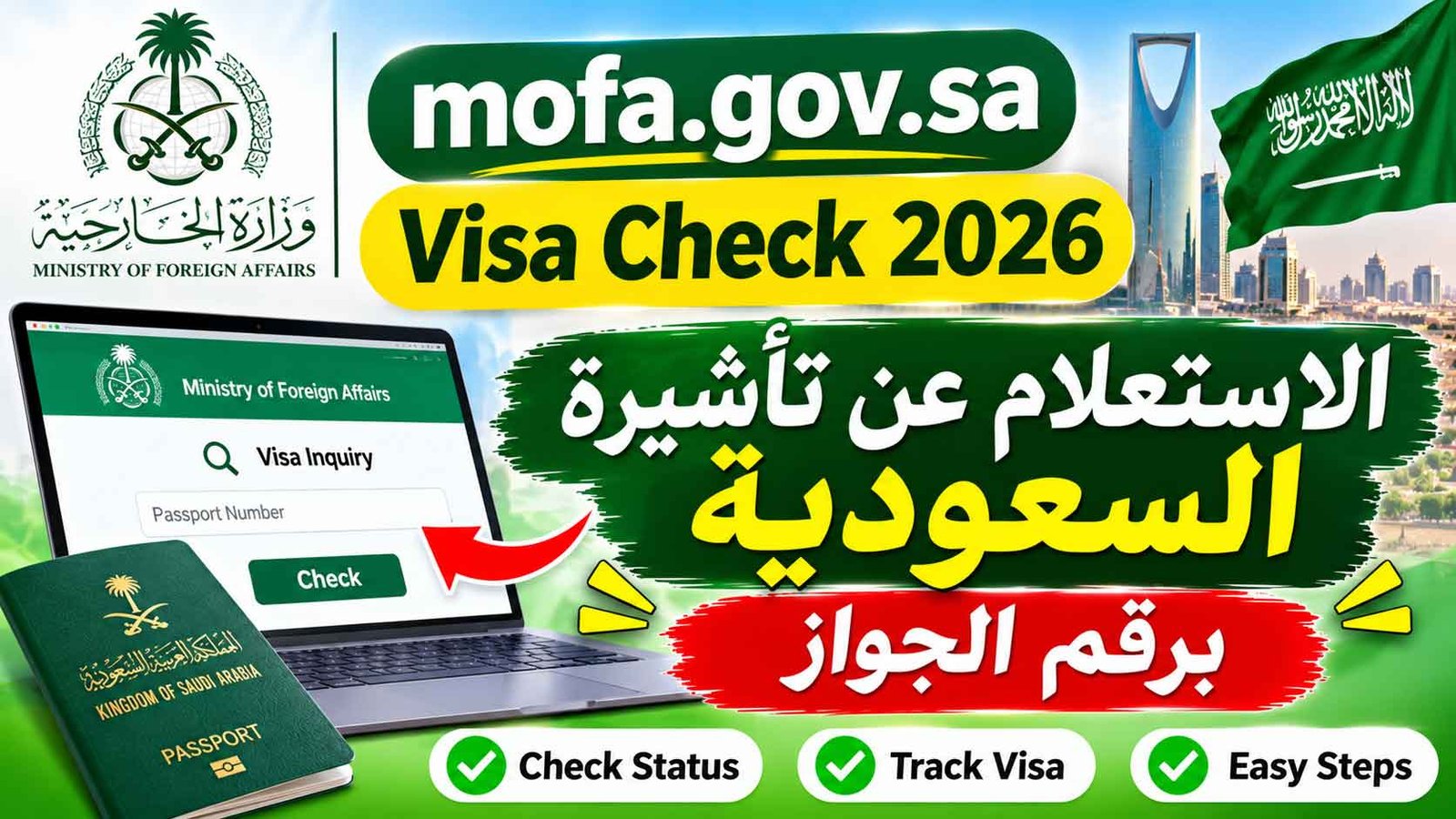
mofa.gov.sa Visa Check 2026 – Saudi Visa Enquiry Online By Passport Number & Application Number: If you have applied for a Saudi Arabia visa and want to know whether it is approved, issued or still under process, the only official way to check it online is the Saudi Ministry of Foreign Affairs visa platform — visa.mofa.gov.sa. Millions of Pakistanis working in Saudi Arabia, and their families back home, search for “mofa.gov.sa visa” every month to check family visit visas, work visas and other visa applications. This guide explains the complete MOFA visa check process step by step — by application number and by passport number — so you can see your real visa status in two minutes, completely free.
mofa.gov.sa Visa Check 2026
The only official way to check a Saudi visa status is visa.mofa.gov.sa — in Enquiry, enter your application number and passport number, and your status appears on the screen. Family visit visas are checked the same way, the service is completely free, and Enjazit is closed — never pay any agent for a status check.
Www Visa MOFA Gov Sa Visa Checking
| Detail | Information |
|---|---|
| Official Platform | visa.mofa.gov.sa (Saudi Ministry of Foreign Affairs) |
| Platform Name | MOFA Electronic Visa Services Platform |
| Check By | Application Number + Passport Number |
| Also Available | Visa enquiry by visa number (after issuance) |
| Family Visit Visa | Status checked on the same MOFA platform |
| New Unified Platform | ksavisa.sa (KSA Visa) – Track Application |
| Fee For Checking | Completely free |
| Old Enjazit Website | Closed — do not use old Enjazit links |
What Is mofa.gov.sa?
mofa.gov.sa is the official website of the Ministry of Foreign Affairs of Saudi Arabia. Its visa section, visa.mofa.gov.sa, is the official Visa Services Platform where:
- Saudi citizens and residents apply for family visit visas for their relatives
- Visa applications submitted to Saudi missions are recorded
- Anyone can enquire the status of a visa application with the application number and passport number
- Issued visa details can be viewed and printed
If anyone gives you a different website for a Saudi visa check, do not trust it. The status check is only on visa.mofa.gov.sa and the new unified platform ksavisa.sa.
MOFA Visa Check By Application Number & Passport Number – Step By Step
This is the most common method. You need two things: your Application Number — the number received when the visa application was submitted on MOFA — and the applicant’s Passport Number.
Step 1: Open the official platform: visa.mofa.gov.sa
Step 2: The page opens in Arabic. You can switch the language to English from the top of the page if you prefer.
Step 3: Find the Enquiry section on the platform.
Step 4: In Enquiry Type, select Application Number.
Step 5: Enter your Application Number carefully, exactly as given.
Step 6: Enter the Passport Number of the person whose visa was applied for.
Step 7: Type the image code (captcha) shown on the screen.
Step 8: Click Search. Your visa application record will appear on the screen.
How to read the result:
- If the visa is issued, the record shows the visa number and the applicant’s details — this means your visa is approved and issued.
- If the application is still under process, the record shows the application without a visa number. Wait and check again after some days.
- If no record appears, re-check the application number and passport number for typing mistakes (see the problems section below).
Family Visit Visa Status Check On MOFA
The family visit visa is applied by the person living in Saudi Arabia through the same MOFA platform. Its status is checked in exactly the same way:
- Open visa.mofa.gov.sa
- Go to Enquiry and select Application Number
- Enter the family visit visa application number given to the host in Saudi Arabia
- Enter the passport number of the family member who will travel
- Enter the image code and click Search
When the visit visa is approved and issued, the visa number appears in the result. After that, the traveller in Pakistan completes the visa stamping process through the approved channel with the same application number and passport.
Check Saudi Visa On KSA Visa (ksavisa.sa) – New Platform
Saudi Arabia has also launched a unified national visa platform, KSA Visa at ksavisa.sa. On this platform, use the Track Application option to follow applications submitted through the new system. If your application was submitted through MOFA (as most family visit visas are), check it on visa.mofa.gov.sa; if it was submitted through KSA Visa, track it on ksavisa.sa.
How To Print Your Saudi Visa From MOFA
After your visa is issued, open the same Enquiry result on visa.mofa.gov.sa with your application number and passport number. The issued visa details, including the visa number, appear on the screen, and you can print or save this page for your record. Always match the name, passport number and visa number on the print with your passport before travelling.
Common Problems & Solutions
Problem: “No record found” after entering the details
Solution: This usually means a typing mistake. Re-enter the application number and passport number slowly, character by character. Also make sure you selected the correct enquiry type.
Problem: The image code is not accepted
Solution: The captcha must be typed exactly as shown. Refresh the code and type it carefully, without spaces.
Problem: The application shows but no visa number
Solution: Your visa is not issued yet — the application is under process. There is no fee and no agent who can speed this up. Keep checking after a few days.
Problem: An old Enjazit link is not opening
Solution: Enjazit has been shut down. All its services moved to visa.mofa.gov.sa. Do not use any old Enjazit page or any agent’s private link.
Problem: An agent is asking for money to “check” the visa
Solution: The MOFA visa check is completely free and takes two minutes. Never pay anyone just for checking the status.
FAQs
Q: What is mofa.gov.sa?
A: It is the official website of the Saudi Ministry of Foreign Affairs. Its visa platform, visa.mofa.gov.sa, is where Saudi visa applications are enquired and family visit visas are applied.
Q: How can I check my Saudi visa by passport number?
A: Open visa.mofa.gov.sa, go to Enquiry, select Application Number, and enter your application number together with your passport number and the image code. Your visa status will appear on the screen.
Q: How do I check a family visit visa status?
A: The same way — with the family visit visa application number and the traveller’s passport number in the MOFA Enquiry section. When approved, the visa number appears in the result.
Q: Is the MOFA visa check free?
A: Yes, completely free. Any person or agent charging money just to check the status is misleading you.
Q: Enjazit is not opening. Where do I check now?
A: Enjazit is closed. All visa enquiry services are now on visa.mofa.gov.sa, and new applications can also be tracked on ksavisa.sa.
Q: Can I print my Saudi visa from the MOFA website?
A: Yes. After the visa is issued, open your Enquiry result on visa.mofa.gov.sa — the visa details and visa number appear on the screen, and you can print or save the page.