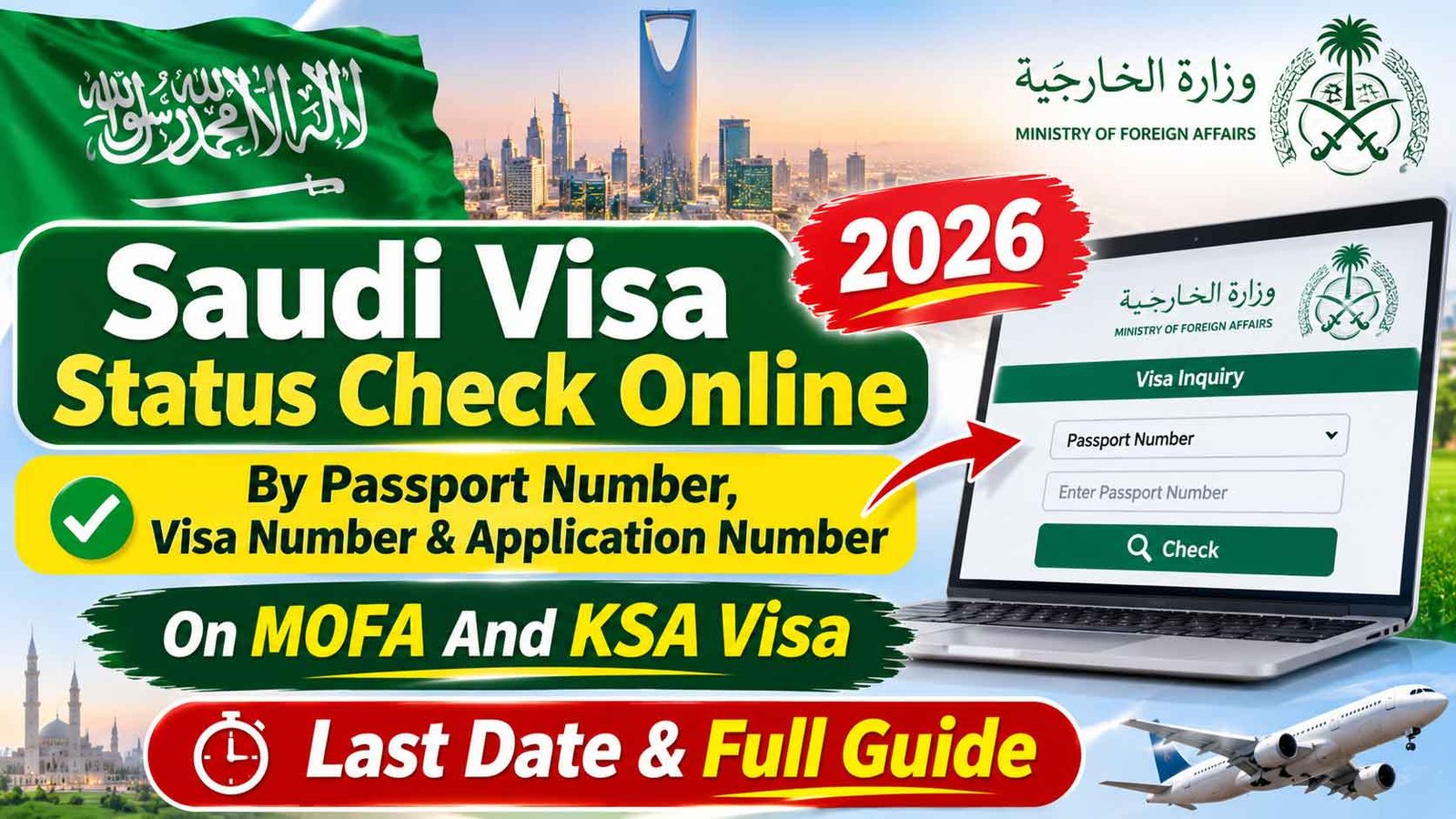
Saudi Visa Status Check Online 2026 By Passport Number, Visa Number & Application Number On MOFA And KSA Visa: Applied for a Saudi visa through an agent, a sponsor or the embassy — and now you want to know: has my visa been issued or not? You do not need to pay anyone to find out. The Saudi visa status check is completely free on Saudi Arabia’s official portals, and you can do it yourself in two minutes with just your passport number. Check Enjazit Visa Check Online By Passport Number.
This complete guide covers every method: Saudi visa check by passport number, by visa number and by application number on MOFA (visa.mofa.gov.sa), tracking on the new KSA Visa (ksavisa.sa) platform, and the correct portal for Umrah, tourist, work and family visit visas. One important update first: the old Enjazit website (enjazit.com.sa) has been shut down — all its services have moved to MOFA and KSA Visa, so ignore any old guide that sends you to Enjazit.
Saudi Visa Status Check Online 2026 By Passport Number, Visa Number & Application Number On MOFA And KSA Visa
The Saudi visa status check is free on the official portals only — visa.mofa.gov.sa and ksavisa.sa. Fake websites and agents charge money for this same free check, and some steal passport details. Never enter your passport number on any site other than the official Saudi government portals above, and never pay anyone just to “check” your visa.
Saudi Visa Check Track Your KSA Visa Application Status
| Detail | Information |
|---|---|
| Main official portal | visa.mofa.gov.sa (MOFA Visa Platform) |
| New unified portal | ksavisa.sa – Track Application |
| Check by passport number | MOFA “Search for submitted application” |
| Check by visa/application number | MOFA Inquiry + KSA Visa tracker |
| Umrah / Hajj visa | Nusuk platform |
| Tourist eVisa | Visit Saudi (Order ID + passport number) |
| Residents (Iqama / exit re-entry) | Absher · Muqeem |
| Old Enjazit site | Closed — services moved to MOFA & KSA Visa |
| Fee for status check | 100% Free |
| What you need | Passport number (+ application/visa number if you have it) |
Which Portal Should You Use? (By Visa Type)
| Your visa | Check here | What you need |
|---|---|---|
| Work visa | MOFA – visa.mofa.gov.sa | Passport number, or application/visa number |
| Family visit visa | MOFA – visa.mofa.gov.sa | Passport number + visa type + mission city |
| Personal / business visit visa | MOFA – visa.mofa.gov.sa | Passport number or application number |
| Any visa applied on new platform | KSA Visa – ksavisa.sa/track-application | Application/visa number + passport number |
| Umrah / Hajj visa | Nusuk | Nusuk account |
| Tourist eVisa | Visit Saudi verification page | Order ID + passport number |
| Already in Saudi (Iqama, exit/re-entry) | Absher / Muqeem | Iqama number |
Method 1: Saudi Visa Check By Passport Number Only (MOFA)
Use this method if you have only your passport number — for example, your agent applied for you and gave you no other number.
- Open visa.mofa.gov.sa (the page may open in Arabic — switch the language to English at the top)
- Choose “Search for submitted application”
- Enter your passport number exactly as printed — no spaces
- Select your current nationality: Pakistan
- Select the visa type your sponsor/agent applied for (work, family visit, personal visit, business, Umrah, tourism)
- Select the issuing place — the Saudi mission city, Islamabad or Karachi
- Type the image code (captcha) and press Search
Saudi Arabia Work Visa Check Online
If an application exists against your passport, its details appear on screen. If you see “no data found”, read the troubleshooting section below before worrying — in most cases the visa type or mission city is selected wrong, or the agent has not submitted the application yet.
Method 2: Saudi Visa Status Check By Visa Number / Application Number (MOFA)
Use this if your agent or sponsor gave you an application number (Enjaz reference / e-number) or the visa number.
- Open visa.mofa.gov.sa
- Go to the Inquiry service (“Inquiry of Visa Application”)
- In Inquiry Type, choose Visa Application Number, Visa Number, or Hajj Ministry Reference Number
- Enter that number in the first field
- Enter your passport number and select your nationality
- Complete the CAPTCHA and click Inquire
Your live status appears on screen — what each status means is explained below.
Method 3: KSA Visa Status Check – Track Application (ksavisa.sa)
KSA Visa is Saudi Arabia’s newer unified visa platform, and its tracker is the cleanest option if you have any number from your sponsor or agent.
- Open ksavisa.sa/track-application
- In Application/Visa Number, enter your application number or visa number
- In National ID / Passport Number, enter your passport number (a sponsor can use their Saudi ID, Iqama or company CR number instead)
- Submit — your application status and visa details appear on screen
Method 4: Umrah, Hajj And Tourist Visa Status
- Umrah / Hajj pilgrims: your visa is managed through the Nusuk platform — log in to your Nusuk account to see the visa and package status. Umrah visas issued through an agent can also be searched on MOFA using Method 1 by selecting the Umrah visa type.
- Tourist eVisa: if you applied on the Visit Saudi eVisa portal, verify your visa with your Order ID + passport number on the eVisa verification page. (Note: Pakistan is not on the standard tourist eVisa country list — most Pakistanis travel on visit, Umrah or work visas, so MOFA is your main portal.)
Method 5: Saudi Visa Check By Iqama Number (Residents)
If you are already living in Saudi Arabia, your visa matters are linked to your Iqama, not the MOFA inquiry:
- Absher (absher.sa): log in with your account to check Iqama validity, exit/re-entry visa status and final exit status
- Muqeem (muqeem.sa): check visa validity and print reports using the Iqama number or visa number — mostly used by sponsors and companies
What Does My Saudi Visa Status Mean?
| Status shown | Meaning |
|---|---|
| Under Process / Under Review | Your application is still being decided — wait and check again after 24–72 hours |
| Approved | The visa is approved; printing/issuance is the next step |
| Issued / Printed | Your visa has been issued — you can travel within its validity |
| Rejected | The application was refused — ask your sponsor/agent for the reason |
| No data found | No application found with those details — see troubleshooting below |
Saudi Work Visa Check Online By Passport Number
How do I know if my Saudi visa is approved? When MOFA shows “Issued” (or your visa document appears in the result with visa number, validity and duration of stay), your visa is approved and ready. MOFA also sends SMS notifications when a status changes, where a mobile number was registered.
Troubleshooting: Saudi Visa Check Shows Nothing
- Wrong visa type selected — the most common mistake in Method 1. Confirm with your agent which visa type was applied (work, family visit, personal visit)
- Wrong mission city — choose the city where the application was submitted: Islamabad or Karachi
- Agent has not submitted yet — if your agent only collected your passport, no record will exist. Ask him for the application number as proof of submission
- Passport number typo — type it exactly as printed, including the letters, with no spaces
- Too early — status updates can take 24–72 hours after a change; try again the next day
- Try the second portal — if MOFA shows nothing, track the same numbers on ksavisa.sa/track-application, and vice versa
FAQs
How can I check my Saudi visa status by passport number?
Open visa.mofa.gov.sa, choose “Search for submitted application”, and enter your passport number, nationality (Pakistan), visa type and mission city (Islamabad or Karachi), then type the captcha and press Search. It is free and takes about two minutes.
How do I check my Saudi visa by visa number?
On visa.mofa.gov.sa, open the Inquiry service, select “Visa Number” as the inquiry type, enter the visa number and your passport number, complete the captcha and click Inquire. You can also track it at ksavisa.sa/track-application.
Is Enjazit still working for Saudi visa check?
No. The old Enjaz/Enjazit platform (enjazit.com.sa) has been shut down. All visa inquiry services have moved to the MOFA visa platform (visa.mofa.gov.sa) and the KSA Visa portal (ksavisa.sa).
How can I check my Saudi family visit visa status?
Use Method 1 on MOFA: search for the submitted application with your passport number and select “Family Visit” as the visa type, or track the application number your sponsor received on KSA Visa.
How do I know if my Saudi visa is approved?
When the MOFA result shows your visa as “Issued” with a visa number, validity dates and duration of stay, it is approved and printed. “Under Review” means the decision is still pending.
Can I check my Saudi visa with my Iqama number?
Yes — residents check Iqama and visa validity on Absher and Muqeem using the Iqama number. The MOFA/KSA Visa checks before arrival work with your passport number instead.
Is the Saudi visa status check free?
Yes, 100% free on the official portals. Anyone charging you for a status check is overcharging for a free government service.