
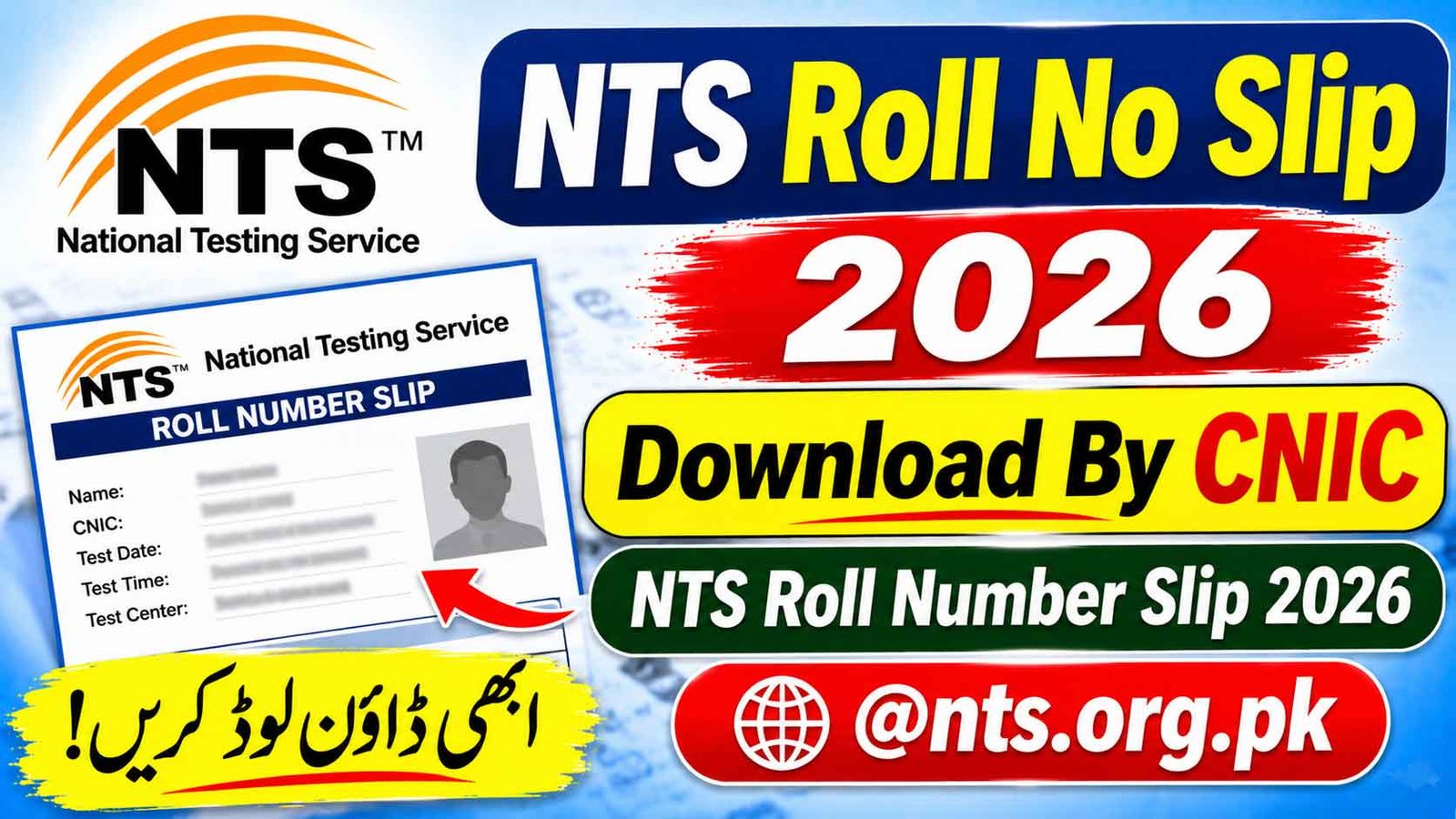
NTS Roll No Slip 2026 Download By CNIC: Appearing in an NTS test? Your NTS Roll No Slip is the most important document on test day — without it, you will not be allowed to enter the test centre. The National Testing Service issues the roll number slip about 7 days before the test date for every project. Candidates can download the NTS Roll No Slip by CNIC from the official website nts.org.pk. This guide explains both download methods, what to do if your slip is not found, and the mistakes that stop candidates at the gate.
NTS Roll No Slip 2026 Download By CNIC
Candidates can download the NTS Roll Number Slip 2026 by CNIC from the official website www.nts.org.pk. Open the List of Candidates section, select your test or project, enter your CNIC in the format 11111-1111111-1 with the verification code, and click Search to download and print your slip. Roll number slips are issued about 7 days before the test date, and the slip can also be downloaded by logging in at portal.nts.org.pk.
www.nts.org.pk Roll No Slip
| Detail | Information |
|---|---|
| Slip Name | NTS Roll Number Slip / Admission Slip |
| Download Method | By CNIC only |
| Official Website | www.nts.org.pk |
| Candidate Portal | portal.nts.org.pk |
| Slip Available | About 7 days before the test |
| Search By Name | Not available — CNIC only |
| NTS Helpline | 051-8444441 |
| www.nts.org.pk |
Method 1: NTS Roll No Slip Download By CNIC (List of Candidates)
- Open the official website www.nts.org.pk
- Click on “List of Candidates” on the homepage
- Find and select your test / project name from the list
- Enter your CNIC number in the format 11111-1111111-1 (with dashes, exactly as on your CNIC)
- Enter the verification code shown on the screen
- Click Search — your roll number slip will appear
- Download and print the slip. Take a clear printout with you on test day
Method 2: Download From the NTS Candidate Portal
- Open portal.nts.org.pk and log in with your registered account
- Open your applied project from the dashboard
- Download your roll number slip when it is issued
- NTS also sends slip notifications by SMS and email on your registered number and email address
What Information Is Printed on the NTS Roll No Slip?
- Candidate name and photograph
- Roll number
- Test name and project
- Test date and reporting time
- Test centre name and address
- Important instructions for the test day
Check every detail carefully. If your name, CNIC or photograph is wrong, contact NTS before the test day.
NTS Roll No Slip Not Found? Do This
- Check the Rejected / Provisional List: If your slip does not appear, open the same project page and check the Rejected Candidates and Provisional List — your name may be there because of a fee, photograph or document issue. Follow the objection/query process given by NTS before the deadline
- CNIC format: Enter the CNIC exactly in the 11111-1111111-1 format with dashes; a wrong format is the most common reason for “not found”
- Slip not issued yet: Slips come about 7 days before the test. If your test is still far away, wait and check again
- SMS not received: SMS alerts can fail on ported mobile numbers or numbers with SMS blockers/DND active. Do not depend on SMS — always check the website yourself
- Still stuck? Call the NTS helpline 051-8444441 or email query@nts.org.pk
Important Instructions For NTS Test Day
- Bring the printed roll number slip and your original CNIC — a photocopy is not accepted
- Reach the test centre before the reporting time printed on the slip
- Mobile phones, calculators and electronic devices are not allowed inside the test hall
- Candidates without a roll number slip are not allowed to sit in the test — there is no on-the-spot solution
FAQs
How can I download my NTS roll no slip by CNIC?
Go to nts.org.pk, open List of Candidates, select your project, enter your CNIC in the 11111-1111111-1 format with the verification code, and click Search.
Can I download the NTS roll number slip by name?
No. NTS does not offer a by-name search. The slip can only be downloaded by CNIC or through your candidate portal account.
When does NTS issue roll number slips?
About 7 days before the test date for each project.
My slip is not showing. What should I do?
Check the Rejected and Provisional lists of your project on nts.org.pk, confirm your CNIC format, and contact NTS at 051-8444441 if the problem continues.




2 thoughts on “NTS Roll No Slip 2026 Download By CNIC – NTS Roll Number Slip 2026 @nts.org.pk”