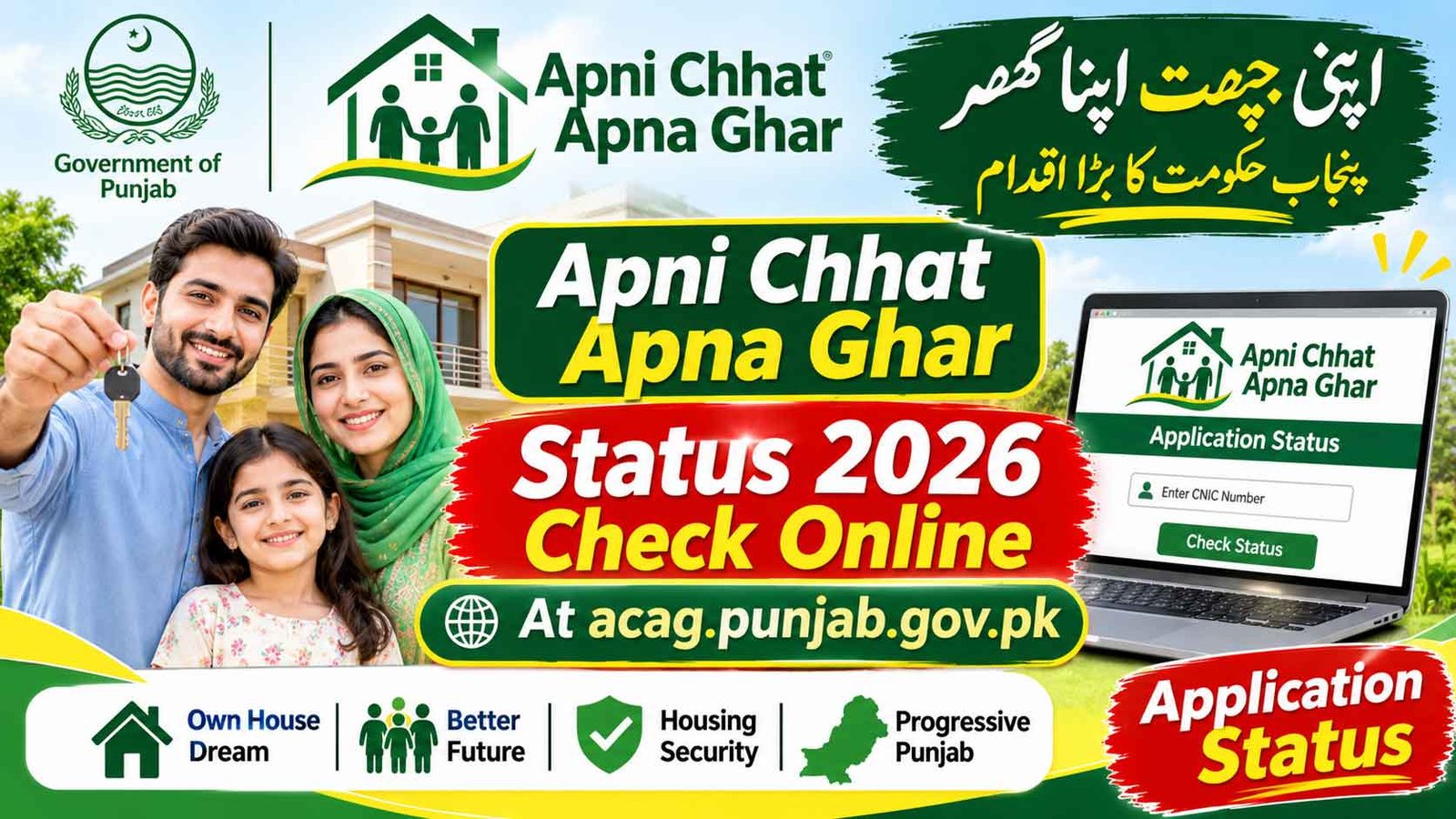
Apni Chhat Apna Ghar Status 2026 Check Online – Application Status At acag.punjab.gov.pk: Applied for the Apni Chhat Apna Ghar interest-free housing loan and now want to know where your application stands? Your complete application status is available on the official portal acag.punjab.gov.pk — you only need the CNIC and password you registered with. This guide explains how to check your status, what every status message on the portal actually means, and how to fix the common problems applicants are facing right now, including the “Loan Category NULL” and “Not Scrutinized” messages.
Apni Chhat Apna Ghar Status 2026 Check Online
Remember one thing before you start: this scheme has no public merit list and no CNIC-only search page. Anyone showing you a “list” on social media is misleading you — your status exists only inside your own portal account.
Apni Chhat Apna Ghar Status Scheme 2026 Check Online
| Detail | Information |
|---|---|
| Scheme | Apni Chhat Apna Ghar (ACAG), Punjab |
| Status Check Portal | acag.punjab.gov.pk |
| Login With | CNIC number + password |
| Status Check Fee | Free |
| Loan Amount | Up to Rs 15 lakh, interest-free |
| Loan Partners | Bank of Punjab, Akhuwat, NRSP & partner MFIs |
| Helpline | 0800-09100 |
How To Check Apni Chhat Apna Ghar Status – Step By Step
- Step 1: Open acag.punjab.gov.pk on your mobile or computer.
- Step 2: Click Login and enter your CNIC number (13 digits, without dashes) and your password.
- Step 3: Your dashboard opens with your Application Status — it shows your Application ID (for example FCLH1-ACAG-…), applicant name, loan category, selected MFI and the current stage of your case.
- Step 4: Note down your Application ID — you will need it at the bank/MFI office and on the helpline.
Every ACAG Portal Status Explained
Check Details ACAG Status Means:
Application Submitted
Your application has entered the system and is moving through scrutiny and verification. It is not a rejection. Most applicants stay on this status for weeks or even months. Progress usually comes as an SMS, then a biometric verification call from your MFI.
Not Scrutinized
Your application is in the queue and document/plot scrutiny has not started yet. Nothing is wrong — just keep your documents complete and keep checking.
Draft
Your application was never finally submitted — usually because documents were not uploaded. Open the application, upload CNIC, plot Fard and photo, and press the final Submit button.
Loan Category NULL / Blank Fields
The loan category field was added to the portal recently and shows NULL for many applicants until the MFI record updates. It does not mean cancellation. If the whole page appears blank on mobile Chrome, try UC Browser or a desktop computer — applicants report the status loads correctly there.
MFI Selected (Bank of Punjab / Akhuwat / NRSP)
Your case has been assigned to a loan partner. The next steps — verification visit, biometric and first instalment — are handled by that MFI. Visiting their local office with your CNIC and Application ID is the fastest way to move a stuck case.
Approved / Instalment Released
Your loan is approved and instalments are released stage by stage. The second instalment normally follows construction progress verification and can take up to 2–3 months.
Common Status Problems And Fixes
Forgot password? Use Forgot Password on the login page — recovery comes through your registered mobile number.
“No application found”? You are logging in with a different CNIC. The application only appears under the CNIC used at the time of applying.
Status not changing for months? This is the most common complaint. The practical fix applicants report: visit your selected MFI office (Bank of Punjab branch, Akhuwat or NRSP) with CNIC + Application ID, or call the helpline 0800-09100. Do not submit a second application on the same CNIC.
A caller says he is from the bank and asks for a code? Never share any OTP or code. Genuine verification happens at the branch or MFI office — confirm everything on 0800-09100 first.
FAQs
Q: How can I check my Apni Chhat Apna Ghar status by CNIC?
A: Login at acag.punjab.gov.pk with your CNIC and password — your full application status opens in your dashboard.
Q: Is there any list of approved applicants?
A: No. There is no public list or balloting list. Every applicant checks only their own status through their login.
Q: Does “Application Submitted” mean my loan is approved?
A: No — it means your application is in process. Approval comes after scrutiny, verification and MFI biometric.
Q: Why is my loan category NULL?
A: The field is new and updates in batches from the MFI side. It is a system delay, not a rejection.
Q: Status check is free or paid?
A: Completely free. Anyone charging money for a status check or “fast approval” is a fraud.
Q: What is the helpline for status problems?
A: 0800-09100.