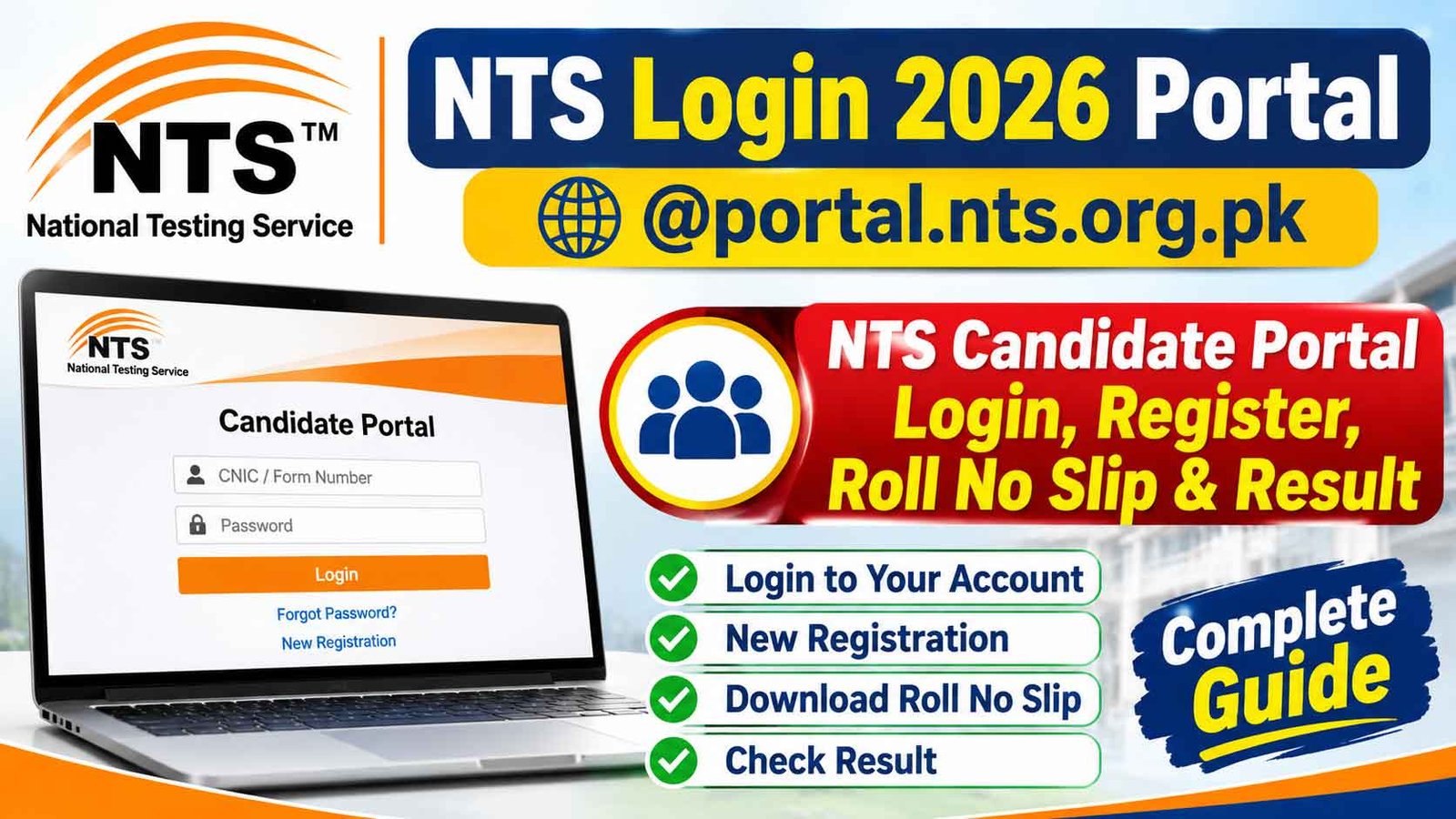
NTS Login 2026 Portal @portal.nts.org.pk | NTS Candidate Portal Login, Register, Roll No Slip & Result: The NTS Login portal at portal.nts.org.pk is the official candidate portal of the National Testing Service (NTS) Pakistan. Every candidate who applies for an NTS test — NAT, GAT, or any department’s recruitment test — manages everything from this one account: applying online, downloading the roll number slip, and checking the result. This complete guide explains how to register, how to login, how to apply, and how to fix every common login problem.
NTS Login 2026 Portal @portal.nts.org.pk
The NTS Login portal at portal.nts.org.pk is the single account for your whole NTS journey — register once with your CNIC, apply for tests, pay the fee through 1Bill, download your roll number slip and check your result from the same dashboard. Keep your password safe, apply before the last date, and use only the official portal.
NTS Candidate Portal Login
| Point | Details |
|---|---|
| Portal | portal.nts.org.pk |
| Main Website | nts.org.pk |
| Login With | CNIC number + password |
| Used For | Online apply, roll number slip, result, answer keys |
| Fee Payment | 1Link 1Bill — any bank app, Easypaisa, JazzCash |
| Helpline | 051-8444441 |
| query@nts.org.pk | |
| NTS Head Office | Plot # 96, Street # 4, H-8/1, Islamabad |
What Can You Do After NTS Login?
- Apply online for any open NTS test or job
- See all your applied projects in one dashboard
- Download your roll number slip when it is issued (usually about 7 days before the test)
- Check your result and answer keys
- Update your profile and academic record for future applications
How To Register – Create Your NTS Account (First Time)
You need an account before you can apply for any test. Registration is free and one-time:
- Open portal.nts.org.pk in your browser
- Click on “New Candidate Registration” / Sign Up
- Enter your CNIC number (without dashes), full name, date of birth, mobile number and email address — exactly as on your CNIC
- Create a password and note it down safely
- Verify your mobile/email if the portal asks for a code
- Your account is created — now login and complete your profile (personal details, address, academic record and photograph) before applying
Important: Use a mobile number and email that you will keep — your password recovery and NTS messages come there. One CNIC can have only one account; never make a second account on the same CNIC.
How To Login at portal.nts.org.pk
- Go to portal.nts.org.pk
- Enter your CNIC number in the username field
- Enter your password
- Solve the captcha if shown and click Login
- Your dashboard opens — from here you can apply, download slips and see results
Forgot Password – How To Recover Your NTS Account
- On the login page, click “Forgot Password”
- Enter your registered CNIC number and mobile number/email
- You will receive a reset link or code — set a new password
- Login again with the new password
If you have lost both your mobile number and email, contact the NTS helpline 051-8444441 or email query@nts.org.pk with your CNIC details.
| Roll Number Slip Login | Click Here |
| Result Login | Click Here |
| Jobs Online Apply | Click Here |
How To Apply Online Through the NTS Portal
- Login to portal.nts.org.pk
- Open the project/test you want to apply for (the same projects are listed on nts.org.pk under “Open Projects”)
- Fill the online application form carefully — post name, district, education and experience
- Submit the form — the portal will generate your fee challan with a 1Link 1Bill invoice number
- Pay the fee through 1Bill in any banking app (HBL, UBL, Meezan, etc.), Easypaisa or JazzCash
- If the advertisement asks for a hard copy, print the filled form, attach the paid fee proof and required documents, and courier it to NTS Headquarters, Plot # 96, Street # 4, H-8/1, Islamabad before the last date — your form counts on the day it is received, and hand delivery is not accepted
- Keep checking your dashboard for the test date and roll number slip
How To Download Roll Number Slip After Login
- Login at portal.nts.org.pk
- Open your applied project — when the slip is issued, a download option appears in your account
- You can also check the “List of Candidates” on nts.org.pk and search by your CNIC (enter it in the format 11111-1111111-1)
- Download and print the slip — you must carry the printed slip and your original CNIC to the test centre; entry without them is not allowed
Slips are normally issued about 7 days before the test date. If your name is not in the list, contact NTS before the test — do not wait for the test day.
How To Check NTS Result After Login
- Login to your portal account and open the project — the result appears in your dashboard when announced
- Or visit nts.org.pk → Results and enter your CNIC or roll number
- Results are normally announced within 7–10 days of the test, test-wise — there is no single date for all tests
Common NTS Login Problems And Fixes
| Problem | Fix |
|---|---|
| “Invalid CNIC or password” | Check the CNIC format and caps lock; if still failing, use Forgot Password |
| Forgot password | Reset it from the login page using your registered mobile/email |
| Account not found | You may have registered on an old system or with a wrong CNIC — try registration once; if CNIC shows “already registered”, recover the password instead |
| Portal not opening / very slow | This happens near last dates — try early morning, clear the browser cache, or use another browser |
| Applied project not showing | Confirm the fee was paid and the form submitted; check the project name carefully in the dashboard |
| Name/details wrong in profile | Correct the profile before applying; for a submitted form, contact the helpline before the test |
Safety Warning – Only Use the Official NTS Portal
The only official NTS websites are nts.org.pk and portal.nts.org.pk. Many lookalike websites and social-media pages use the NTS name to collect fees and CNIC data — never pay any fee outside the 1Link 1Bill challan generated inside your own portal account, and never share your portal password with any agent.
FAQs
What is the NTS login portal address?
The official candidate portal is portal.nts.org.pk. The main website is nts.org.pk.
What do I need to login to the NTS portal?
Your CNIC number and the password you set at registration.
Is NTS registration free?
Yes — creating the account is free. You only pay the test fee, through the 1Bill challan, when you apply for a specific test.
I forgot my NTS password. What should I do?
Use “Forgot Password” on the login page and reset it through your registered mobile number or email.
When will my roll number slip come?
Normally about 7 days before your test date, inside your portal account and in the List of Candidates on nts.org.pk.
Can I apply for two NTS tests with one account?
Yes — one account is used for all your NTS applications, and all of them show in your dashboard.
What is the NTS helpline number?
051-8444441 (email: query@nts.org.pk).