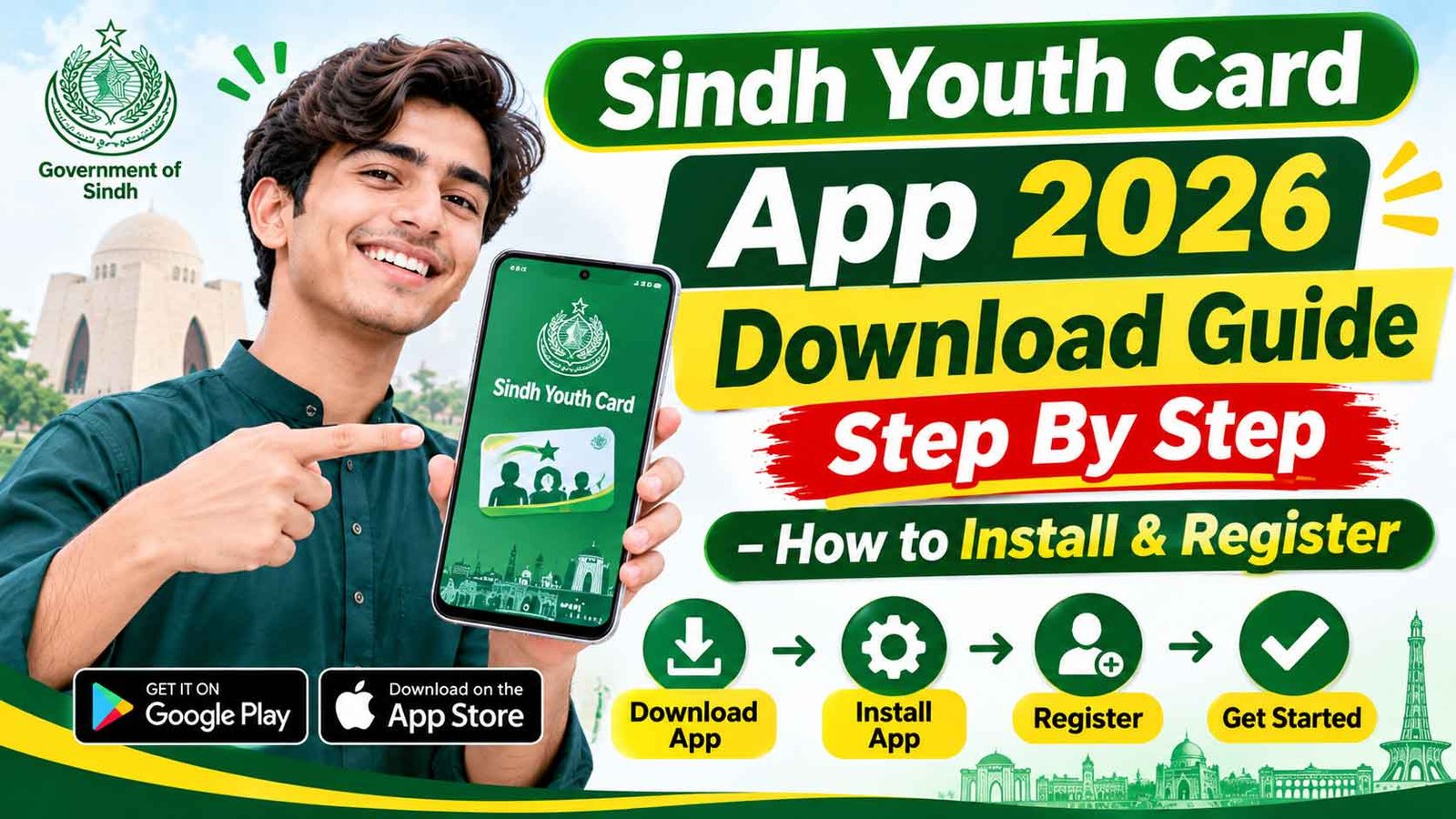
The Sindh Youth Card App 2026 is the official mobile app of the Sindh Youth Card. The full registration of the card is done through this app — there is no form on the website. Many people are searching for the app on Google Play and downloading fake apps with the same name. This easy step by step guide will show you how to download the real official app, how to install it, and how to register your account safely. Read the full guide before you start.
Sindh Youth Card App 2026 Download Guide Step By Step – How to Install & Register
Downloading the official Sindh Youth Card App 2026 is compulsory for registration. The correct method is simple: open the official portal sindhyouthcard.gos.pk, click Register, and scan the QR code shown on the page to install the app from the Google Play Store.
Sindh Youth Card Official App 2026 Download
| Detail | Information |
|---|---|
| App Name | Sindh Youth Card App |
| Official Portal | sindhyouthcard.gos.pk |
| Download From | Google Play Store (through the portal QR code) |
| Registration | In the app, with NADRA BVS biometric |
| Age Limit | 15 to 29 years |
| Domicile | Sindh (all 30 districts) |
| Card Issued | Digital card, issued immediately in the app |
| Download & Registration Fee | Free |
Why Do You Need the Sindh Youth Card App?
The Government of Sindh has made the registration fully digital. The website sindhyouthcard.gos.pk only starts the process — the real registration, biometric verification and card issuance all happen inside the official app. Without the app, you cannot get your Sindh Youth Card. After registration, the app also gives you the digital wallet (Raast), merchant discounts, jobs and trainings.
How to Download the Sindh Youth Card App – Step By Step
- Step 1:Open your mobile browser and go to the official portal sindhyouthcard.gos.pk
- Step 2:Click the Register button on the homepage
- Step 3: A QR code will appear on the registration page. Open your mobile camera and scan the QR code
- Step 4:The QR code will open the Sindh Youth Card App on Google Play Store
- Step 5:Tap Install and wait for the download to finish
- Step 6: Tap Open — your official Sindh Youth Card App is ready
This is the only safe way to download the app. Do not download any “Sindh Youth Card” app from a WhatsApp link, a Facebook post or any other website.
How to Register in the Sindh Youth Card App – Step By Step
Step 1:Open the app and tap on the signup/register option
Step 2: Choose your account type:
- Adult Youth (18–29 years): enter your 13-digit CNIC number and your mobile number
- Minor Youth (under 18 years): enter your 13-digit B-Form number and your parent/guardian’s CNIC details
Step 3: Complete the NADRA BVS biometric verification — the app verifies your identity with NADRA
Step 4:After successful verification, your digital Sindh Youth Card is issued immediately in the app
Step 5: Go to sindhyouthcard.gos.pk, click Sign In, log in and complete your profile
What You Get After Registration
- Digital Card — your Sindh Youth Card inside the app
- Digital Wallet — safe payments through Raast
- Discounts & Offers — special discounts at 180+ businesses in Sindh
- Jobs & Internships — jobs and internship opportunities
- Scholarships — apply for scholarship programmes
- Transport & Health Benefits — transport concessions and health & sports benefits
Beware of Fake Apps
- Fake apps with the name “Sindh Youth Card” are already on the internet — they can steal your CNIC and personal data
- Download the app only through the QR code on sindhyouthcard.gos.pk
- The official app is free — any app or person asking for money is fake
- Never enter your CNIC, B-Form or biometric in any app that did not come from the official portal’s QR code
FAQs
Q: From where can I download the Sindh Youth Card App?
Open sindhyouthcard.gos.pk, click Register, scan the QR code and install the app from Google Play Store.
Q: Is the Sindh Youth Card App free?
Yes, the app download and the registration are completely free.
Q: Can I register without the app?
No. All registrations are completed on the official mobile app for immediate digital card issuance.
Q: I am 17 years old. Can I use the app?
Yes. Under-18 applicants register with their B-Form number and a parent/guardian’s CNIC details.
Q: What do I need for registration in the app?
Your CNIC (18–29 years) or B-Form (under 18), a mobile number, and NADRA BVS biometric verification.