
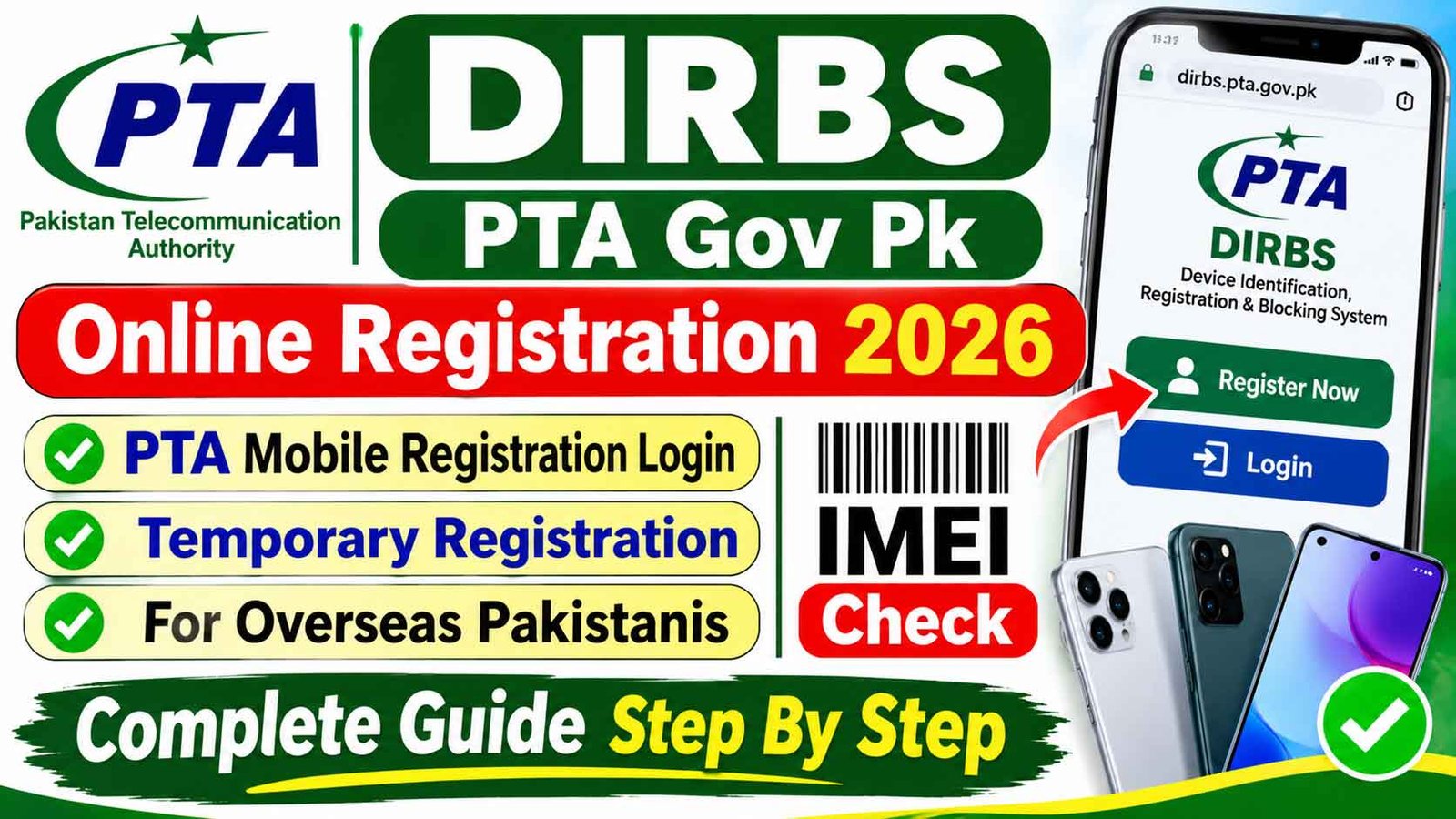
DIRBS PTA Gov Pk Online Registration 2026 – PTA Mobile Registration Login, Temporary Registration for Overseas Pakistanis & IMEI Check: Every mobile phone used on a Pakistani network has to be registered with the Pakistan Telecommunication Authority (PTA) through DIRBS — the Device Identification, Registration and Blocking System. If a phone’s IMEI is not registered, PTA blocks it from all Pakistani networks. DIRBS PTA Gov Pk Online Registration Overseas Details check here.
DIRBS PTA Gov Pk Online Registration 2026 – PTA Mobile Registration Login, Temporary Registration For Overseas Pakistanis & IMEI Check
The good news for overseas Pakistanis: if you are visiting Pakistan for a short stay, you can register your phone temporarily, completely free, for up to 120 days through the DIRBS PTA gov pk online registration portal — no FBR tax, no visit to any office. This guide covers the DIRBS PTA registration login, the temporary registration for overseas Pakistanis, permanent registration with duty, and how to do a PTA mobile registration online check for any phone.
PTA Mobile Registration Login
| Detail | Information |
|---|---|
| System name | DIRBS (Device Identification, Registration and Blocking System) |
| Authority | PTA — Pakistan Telecommunication Authority |
| Official portal | dirbs.pta.gov.pk |
| Login page | dirbs.pta.gov.pk/drs/login |
| Temporary registration | FREE — up to 120 days per visit (overseas Pakistanis & foreign visitors) |
| Devices allowed (temporary) | 1 mobile phone per visit |
| Permanent registration | Online via DIRBS — FBR duty applies, paid through PSID |
| IMEI check | Online at dvs.pta.gov.pk · SMS IMEI to 8484 · Dial *8484# |
| Find your IMEI | Dial *#06# |
| Duty decided by | FBR (depends on phone model and value) |
What Is DIRBS PTA Gov Pk Online Registration?
DIRBS is PTA’s online system for registering mobile devices in Pakistan. Through the DIRBS PTA gov pk online registration portal, you can:
- Register a phone you brought from abroad
- Apply for temporary registration if you are an overseas Pakistani or foreign visitor
- Generate the PSID to pay FBR duty for permanent registration
- Check whether any phone’s IMEI is PTA-approved
Registration is fully online and automated — you do not need to visit a PTA office.
DIRBS PTA Registration Login – How to Sign Up And Log In
The PTA mobile registration login works like this:
- Open the official portal: dirbs.pta.gov.pk/drs/login
- Click Sign Up and enter your name, email address, mobile number and CNIC/passport details
- Verify your account through the email activation link or SMS code sent to you
- Return to the login page and sign in with your email and password — this is your PTA gov pk login for all DIRBS services
- Accept the terms and conditions, then choose the type of registration you need
Keep your login details safe. Never share your DIRBS password or OTP with any agent or shopkeeper.
DIRBS PTA Gov Pk Online Registration for Overseas Pakistanis – Temporary Registration (FREE, 120 Days)
This is the facility most overseas Pakistanis search for. Under PTA’s Temporary Mobile Registration System:
- Overseas Pakistanis and foreign nationals visiting Pakistan can register one mobile phone free of charge
- The registration is valid for up to 120 days from your date of arrival
- No FBR duty or tax is charged for this temporary period
- You can use the facility on every visit — but you must apply fresh each time
- PTA verifies your arrival through the FIA’s border records (IBMS), so your passport details must match your immigration entry exactly
Who can apply: overseas Pakistanis working abroad, Pakistani students studying overseas, and foreign nationals visiting Pakistan.
What you need before you start:
- Passport number (exactly as recorded at immigration)
- CNIC or NICOP number (for overseas Pakistanis)
- A Pakistani mobile SIM registered in your own name
- Your phone’s IMEI number (dial *#06#)
- Email address
- Your arrival date and expected departure date
Steps for DIRBS PTA gov pk online registration (temporary):
- Go to dirbs.pta.gov.pk/drs/login and sign up / log in
- Select “Temporary Registration for Overseas Pakistanis and Foreign Nationals”
- Enter your passport, CNIC/NICOP and travel details
- Enter the IMEI number and select whether your phone is single-SIM or dual-SIM (enter both IMEIs for dual-SIM)
- Enter your Pakistani mobile number and select your network operator
- Submit and complete the OTP verification
- Once verified, your device is temporarily registered and will work on Pakistani networks
Important rules:
- The 120 days are counted from your arrival date, not the application date — if you apply 30 days after landing, you get the remaining 90 days
- The phone works only with the SIM you registered — it will not connect with another SIM
- You must take the phone with you when you leave Pakistan
- If you want to keep using the same phone in Pakistan after 120 days, you must switch to permanent registration and pay the FBR duty
Permanent PTA Mobile Registration Online – For Phones Staying in Pakistan
If you live in Pakistan or are bringing a phone permanently, use the regular registration:
- Make sure you have a Pakistani SIM issued in your own name (on your CNIC or passport)
- Apply in any of three ways: online at dirbs.pta.gov.pk/drs, by dialling *8484# from your local SIM, or at any mobile operator’s franchise/customer service centre
- Enter your CNIC (or passport/NICOP and travel details if arriving from abroad) and all IMEI numbers of the phone
- The system calculates the FBR duty and taxes and generates a PSID (Payment Slip ID)
- Pay the PSID at any commercial bank or through mobile banking within 7 days — an unpaid PSID is deleted automatically and you must apply again
- Once FBR receives the payment, your application changes from Pending to Approved and the phone is cleared on all networks
The duty amount is set by FBR, not PTA, and depends on your phone’s model and value — the portal shows you the exact figure before you pay.
PTA Mobile Registration Online Check – How to Check Any Phone’s IMEI Status
Before buying a phone — or to confirm your own registration — always do a PTA mobile registration online check. There are three free ways:
- Online: Open PTA’s Device Verification System at dvs.pta.gov.pk, enter the 15-digit IMEI and submit
- By SMS: Type your IMEI number and send it to 8484 — you will receive the device status by reply SMS
- By USSD: Dial *8484# from a Pakistani SIM and follow the menu
The result will tell you whether the device is PTA-approved/compliant, registered temporarily, or non-compliant (blocked or duty unpaid). Check every IMEI of a dual-SIM phone separately.
Is PTA Mobile Registration Online Free?
Partly — it depends on the type:
- Temporary registration (visitors): 100% free — no duty for up to 120 days per visit
- IMEI status check: free on dvs.pta.gov.pk, by SMS and by USSD
- Permanent registration: duty applies — the old free baggage allowance for phones was withdrawn in 2019, so every permanently imported phone pays FBR duty through the PSID
Any website or person charging a “service fee” to register your phone is not official. The DIRBS portal itself is free to use.
PTA Temporary vs Permanent Registration
| Temporary Registration | Permanent Registration | |
|---|---|---|
| For whom | Overseas Pakistanis & foreign visitors | Residents / phones staying in Pakistan |
| Cost | Free | FBR duty via PSID |
| Validity | Up to 120 days per visit | Permanent |
| Devices | 1 phone | As applied |
| Where | dirbs.pta.gov.pk/drs | DIRBS portal, *8484#, or franchise |
FAQs
What is the DIRBS PTA gov pk online registration portal?
It is PTA’s official online system at dirbs.pta.gov.pk where you register mobile phones, apply for temporary registration as an overseas Pakistani, pay FBR duty through a PSID, and manage your device applications after login.
How do I log in to PTA mobile registration?
Open dirbs.pta.gov.pk/drs/login, sign up with your email, mobile number and CNIC/passport details, verify your account through the email link or SMS code, then log in with your email and password.
Can overseas Pakistanis register their phone for free?
Yes. Overseas Pakistanis and foreign visitors can temporarily register one phone free of tax for up to 120 days per visit through the DIRBS temporary registration option. A fresh application is needed on every visit.
How can I check if a mobile is PTA-approved?
Dial *#06# to see the IMEI, then check it free at dvs.pta.gov.pk, by SMS to 8484, or by dialling *8484#. Always check both IMEIs of a dual-SIM phone before buying.
What happens after 120 days of temporary registration?
The phone stops working on Pakistani networks unless you complete permanent registration and pay the applicable FBR duty through DIRBS.
How long do I have to pay the PSID?
7 days. If the PSID is not paid in time, it is deleted automatically and you have to submit a new application.






1 thought on “DIRBS PTA Gov Pk Online Registration 2026 – PTA Mobile Registration Login, Temporary Registration For Overseas Pakistanis & IMEI Check”