
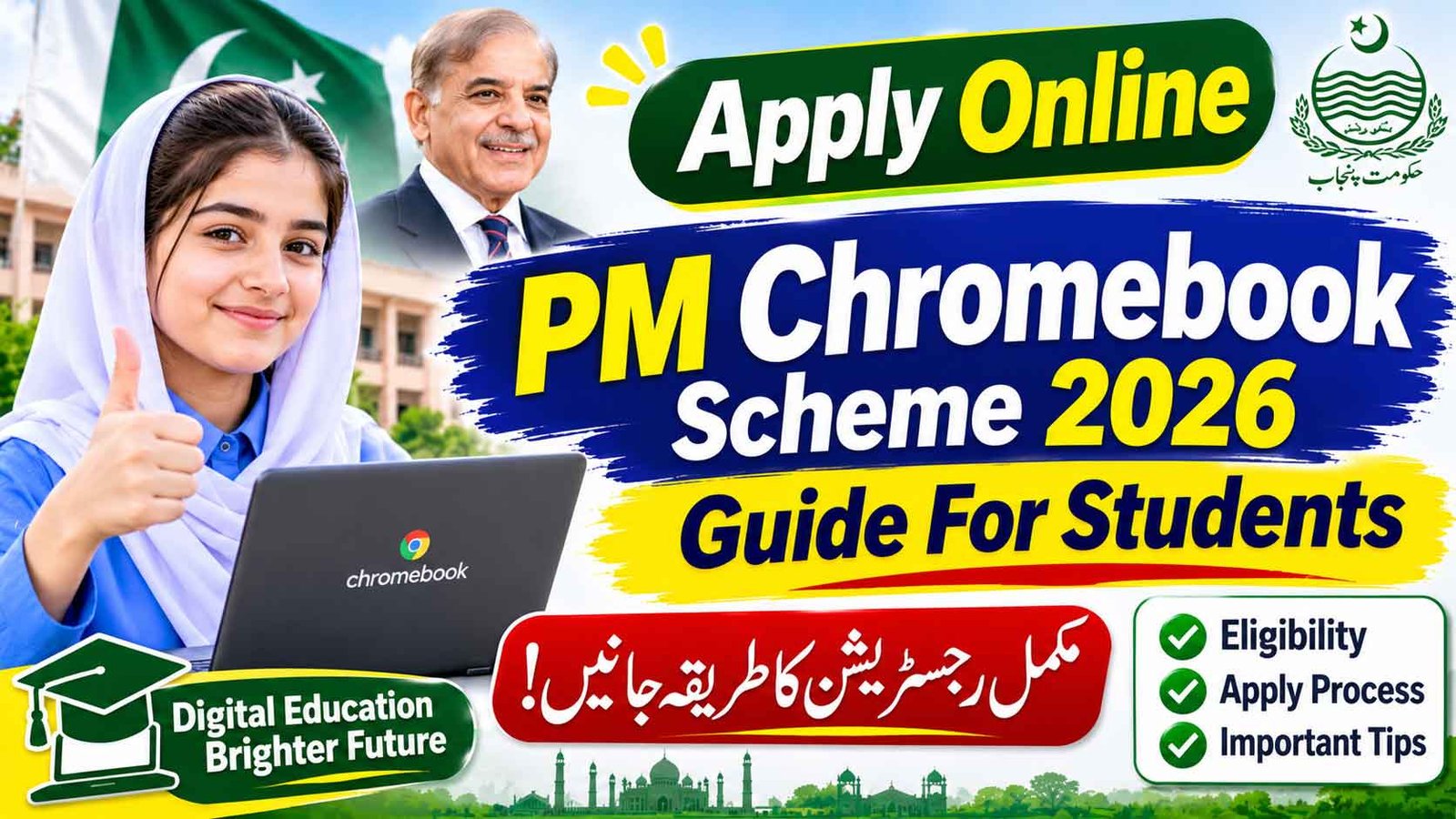
Apply Online PM Chromebook Scheme 2026 Complete Guide For Students: The Prime Minister’s Youth Chromebook Scheme 2026 is giving 500,000 free Chromebooks to top-performing students of government schools across Pakistan. The Youth Chromebook Scheme was launched by Prime Minister Shehbaz Sharif on 25 October 2026 and is run by the Federal Ministry of Education with the Prime Minister’s Youth Programme. All applications are submitted online on the IBCC portal — pmychromebooks.ibcc.edu.pk.
Apply Online PM Chromebook Scheme 2026 Guide For Students
Students are searching dozens of different questions about this Youth Chromebook Scheme — how to apply online, how to check their name in the merit list, what marks are required, whether private school students can apply, and when the Chromebook will actually be delivered. This one article answers all of them.
PM Chromebook Scheme Online Apply 2026
| Detail | Information |
|---|---|
| Scheme | Prime Minister’s Youth Chromebook Scheme 2026 |
| Total Devices | 500,000 Chromebooks (over two years) |
| Who Can Apply | Top-performing government school students |
| Classes | Class 9 (all provinces) + Class 10 (Islamabad, AJK, GB only) |
| Official Portal | pmychromebooks.ibcc.edu.pk |
| Application Fee | Free — no fee |
| Last Date | No single national date — board-wise deadlines apply |
Who Can Apply? – Eligibility Chromebook Scheme
- You must be a student of a government / public school. Private school students are not eligible on the portal — this is the most-searched question about the scheme, and the answer is no.
- Punjab, Sindh, KP, Balochistan: only Class 9 (SSC-I) students, on the basis of Annual Examinations 2026.
- Islamabad, AJK, Gilgit-Baltistan: Class 9 and Class 10 students.
- Minimum 50% marks in the Class 9 exam are required, but final selection is on merit — within your province, board and group (Science / General). Every board sets its own merit, so the real cut-off is higher than 50%.
- Your name must be in the list your board has sent to IBCC. This is compulsory — no name in the list means the portal will not find your record.
- Registered madaris students are included through the Directorate General of Religious Education, and Punjab’s Matric Tech (PBTE) government institute students with over 50% marks can also apply.
Check Your Name in the Chromebook Scheme Merit List First
Before applying, confirm that your board has nominated you:
- Your board publishes the list of selected top performers (for example, BSEK Karachi published its list of 14,000 Class 9 students on 5 November 2026).
- On the board’s Chromebook page, search by your Class 9 roll number or by your school code.
- If your name is in the list, move to the IBCC portal and register — being on the list alone is not the final step.
How to Apply Online Chromebook Scheme IBCC Portal – Step by Step
- Open pmychromebooks.ibcc.edu.pk (type the address yourself — do not use links from WhatsApp or Facebook posts).
- Select your education board from the list.
- Enter your CNIC / B-Form number, roll number or registration number — digits only, without dashes — and your date of birth.
- Click “Find My Record”. The portal matches your details with the list sent by your board.
- If your record appears, check your name, school and marks carefully — they must match your official documents.
- Upload your documents (see the list below — each file under 300 KB).
- Submit the form and download / save your reference slip.
⚠️ Remember: you can apply only once, and the form cannot be edited after submission. One mistake can cancel your Chromebook, so double-check everything before submitting.
Documents Required For Youth Chromebook Scheme Registration
| Document | Format & Size |
|---|---|
| Recent colour photograph (plain background) | JPG / PNG, under 300 KB |
| Class 9 (or Class 10) mark sheet | JPG / PNG / PDF, under 300 KB |
| Attested copy of B-Form or CNIC | JPG / PNG / PDF, under 300 KB |
| Attested copy of father’s / guardian’s CNIC | JPG / PNG / PDF, under 300 KB |
“Youth Chromebook Scheme Record Not Found” – What To Do?
This is the most common problem students are facing. Try these steps:
- Re-enter your details using a different option — roll number instead of B-Form, or registration number instead of roll number.
- Type digits only, exactly as printed on your board documents, and check your date of birth format.
- If it still fails, your name is probably not in your board’s list yet, or your board’s registration has not opened (this is the case for some Sindh boards, whose registration opens after their Class 9 results).
- Confirm your nomination with your school or board office before trying again and again.
Youth Chromebook Scheme Last Date to Apply
The portal shows no single nationwide last date. Each board has its own schedule — some boards closed registration for their lists in October, while Karachi’s BSEK has given no deadline yet and has asked nominated students to register immediately. The safe rule: as soon as your name appears in your board’s list, register the same day.
Chromebook Scheme Province-Wise Quota
| Province / Region | Chromebooks |
|---|---|
| Punjab | 181,090 |
| Sindh | 85,925 |
| Khyber Pakhtunkhwa | 51,170 |
| Balochistan | 31,815 |
| Islamabad, AJK, Gilgit-Baltistan | Remaining share of 500,000 |
When Will You Get the Chromebook?
Distribution will happen in phases over two years, after IBCC verifies results and final merit lists are completed. Each Chromebook’s serial number is linked to the selected student’s name, and devices are delivered to the student’s verified home address. Registration alone does not guarantee a device — final selection is purely on merit against your board’s quota.
Beware of Fake Websites
- The only official portal is pmychromebooks.ibcc.edu.pk. Similar-looking websites asking for your CNIC or money are fake.
- The scheme is 100% free. Anyone asking for a “registration fee” on WhatsApp or Facebook is a fraud.
- Do not confuse this with the PM Laptop Scheme — that is for university students on a separate HEC portal. This scheme is only for school students.
FAQs
How do I apply online for the PM Chromebook Scheme?
Open pmychromebooks.ibcc.edu.pk, select your board, enter your B-Form/CNIC or roll number and date of birth, click “Find My Record”, upload your documents and submit. Save your reference slip.
Can private school students apply?
No. Under the criteria currently on the official portal, only government / public school students are eligible.
I am a Class 10 student in Punjab. Am I eligible?
No. In the four provinces only Class 9 (SSC-I) students are considered. Class 10 is included only for Islamabad, AJK and Gilgit-Baltistan boards.
What marks are required?
At least 50% marks in the Class 9 annual exam 2026, but selection is merit-based within your board and group, so higher marks stand a better chance.
Is there any fee for registration?
No fee at all. The complete process is free.
Can I correct my form after submitting?
No. The form cannot be changed after submission, and each student can apply only once.
My name is in the Karachi merit list. Is my Chromebook confirmed?
Not yet. You must still register on the IBCC portal and pass verification. The list only means you are nominated.
When will the Chromebooks be distributed?
In phases over the next two years, after verification and final merit lists. Keep your reference slip safe and follow your board’s announcements.



1 thought on “Apply Online PM Chromebook Scheme 2026 Guide For Students”