
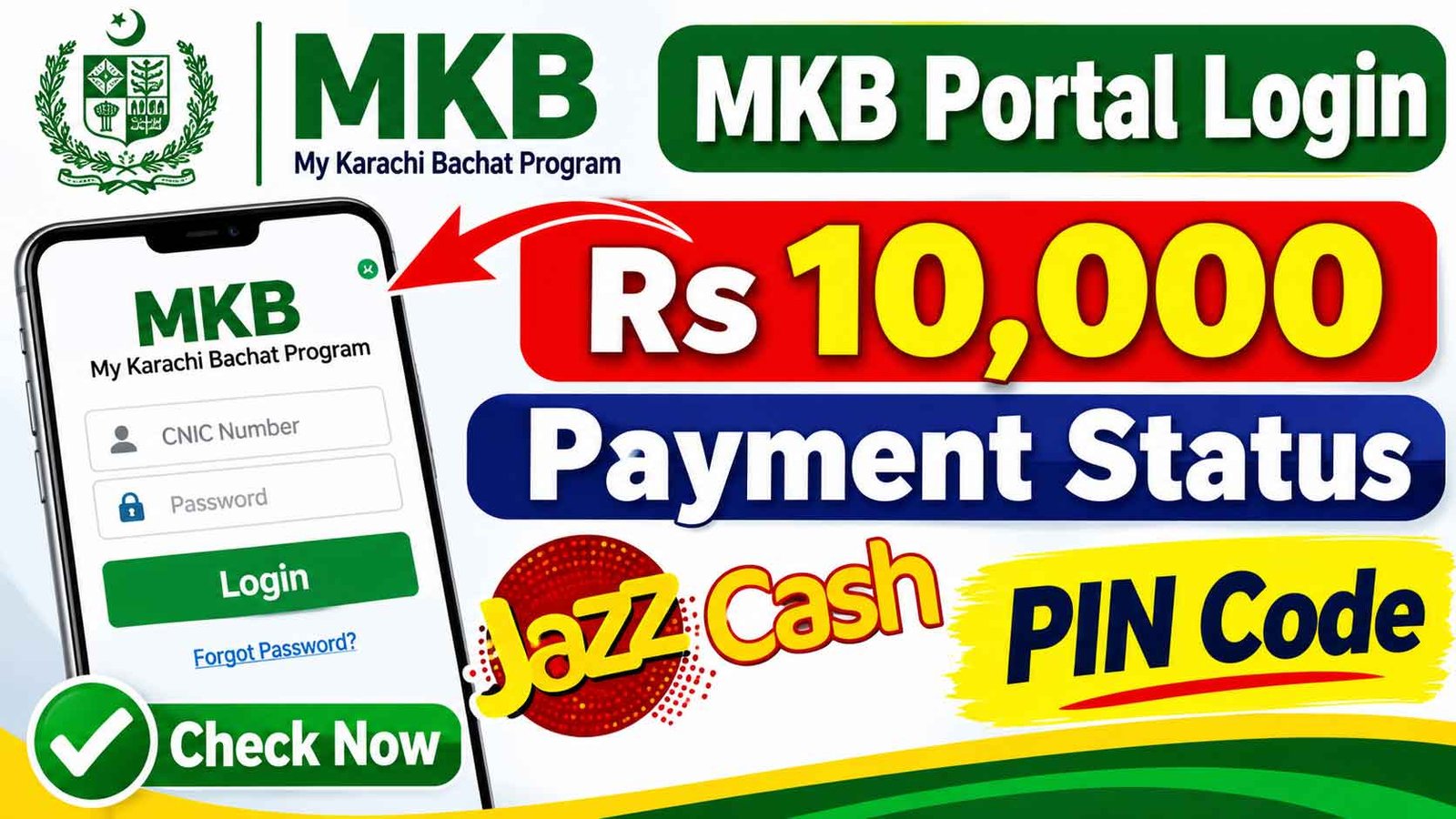
MKB Portal Login Rs 10,000 Payment Status JazzCash PIN Code: The MKB Portal (Maryam Ko Batain) at mkb.punjab.gov.pk is the Government of Punjab’s official relief portal, where deserving families receive Rs 10,000 financial assistance. Applicants can login to the MKB portal with their CNIC to check their payment status, and approved applicants receive a confirmation SMS with a PIN code from JazzCash on their registered mobile number to collect the payment. This guide explains the complete process — MKB portal login, payment status check, JazzCash PIN code, and how to apply online.
MKB Portal Login Rs 10,000 Payment Status JazzCash PIN Code
The MKB portal has made Punjab’s Rs 10,000 relief fully trackable: login at mkb.punjab.gov.pk with your CNIC, check your payment status on the dashboard, and if approved, collect your money through the JazzCash PIN code sent to your registered mobile. Keep your PIN secret, use only the official portal, and call 1000 for any problem.
MKB Portal Rs 10,000 Status JazzCash PIN Code
| Detail | Information |
|---|---|
| Program | Maryam Ko Batain (MKB) – Financial Assistance |
| Official Portal | mkb.punjab.gov.pk |
| Managed By | Government of Punjab / PITB |
| Assistance Amount | Rs 10,000 |
| Login | CNIC + Password |
| Payment Method | JazzCash (SMS + PIN code) |
| Mobile App | Maryam Ko Batain (Google Play Store) |
| Helpline | 1000 (toll-free) |
| Registration Fee | Free |
MKB Portal Login – Step by Step
- Open the official portal mkb.punjab.gov.pk
- Click on Login
- Enter your 13-digit CNIC number
- Enter your password
- Complete the captcha verification
- Click Sign In — your dashboard will open
From the dashboard you can see your application, its current status, and payment updates.
How to Check Rs 10,000 Payment Status Online
- Login to mkb.punjab.gov.pk with your CNIC and password
- Open your application/dashboard
- Your payment status is shown against your application (you can also use your tracking ID given at registration)
What the status means:
- Under Verification / Pending – your application is being checked against PSER and NADRA records; wait for the update
- Approved – your Rs 10,000 assistance is approved; watch your registered mobile for the payment SMS
- Payment Released / PIN Issued – your JazzCash PIN code has been issued (see next section)
- Rejected – your application did not meet the eligibility criteria after verification
JazzCash PIN Code – How the Payment Works
As per the latest payment instructions, approved applicants are paid through JazzCash:
- After approval, you receive a confirmation SMS on your registered mobile number
- The SMS contains a PIN code from JazzCash
- Visit a JazzCash agent/shop with your original CNIC and the PIN code
- Complete the verification at the agent and collect your Rs 10,000
Very important:
- The PIN code comes only on the mobile number you registered with — keep that SIM active
- Never share your PIN code with any agent, caller or stranger — no official will ever ask for it on a phone call
- If your SMS is deleted or the PIN is lost, call the official helpline 1000 immediately
How to Apply Online MKB Registration
New applicants can register in a few minutes:
- Go to mkb.punjab.gov.pk and click Register / Apply
- Enter your full name, 13-digit CNIC (without dashes) and an active mobile number registered in your own name
- Create a password
- Enter the OTP code sent to your mobile to verify it
- Fill the application form — family members, monthly income and home address
- Submit and save your tracking ID for status checking
You can also apply through the Maryam Ko Batain mobile app (Play Store) or by calling the toll-free helpline 1000.
Who Is Eligible?
- Resident of Punjab with a valid CNIC
- Low-income/deserving households — eligibility is verified through the Punjab Socio-Economic Registry (PSER) and NADRA data
- Only one person per household should apply
- Submitting an application does not guarantee payment — approval comes after official verification
Other Ways to Check Your Status
- Mobile App: Login to the Maryam Ko Batain app with the same CNIC and password
- Helpline: Call 1000 from any phone (toll-free) and ask for your application status
- Always cross-check any SMS instruction on the official portal or helpline before acting on it
Beware of Fake Websites And Fraud
- The only official website is mkb.punjab.gov.pk — many look-alike sites (with similar names) are collecting CNIC numbers; never enter your CNIC or PIN there
- Registration and payment are completely free — anyone demanding a fee or “processing charges” is a fraud
- Government and JazzCash staff will never call you to ask for your PIN code
FAQs
How do I login to the MKB portal?
Go to mkb.punjab.gov.pk, click Login, and enter your CNIC, password and captcha.
How can I check my Rs 10,000 payment status?
Login to your dashboard on the MKB portal — your application and payment status is shown there. You can also call helpline 1000.
What is the JazzCash PIN code?
After approval, JazzCash sends a confirmation SMS with a PIN code to your registered mobile number. Show the PIN with your original CNIC at a JazzCash agent to collect your Rs 10,000.
I did not receive the SMS or PIN. What should I do?
Check that your registered SIM is active, then call the official helpline 1000. Never buy a PIN from anyone.
Is there any fee for MKB registration or payment?
No. Registration, status checking and payment collection through official channels are completely free.





1 thought on “MKB Portal Login Rs 10,000 Payment Status JazzCash PIN Code”